

Studio testing
Verify a tool directly, then check how an agent uses it.
Direct tool testing separates application behavior from model behavior. First confirm the tool's input and result; then test whether the agent requests it appropriately.
Find the registered tool
Register TextStatsTool using either path in Attaching tools. Enable Studio using Studio hosting and open the Tools section.
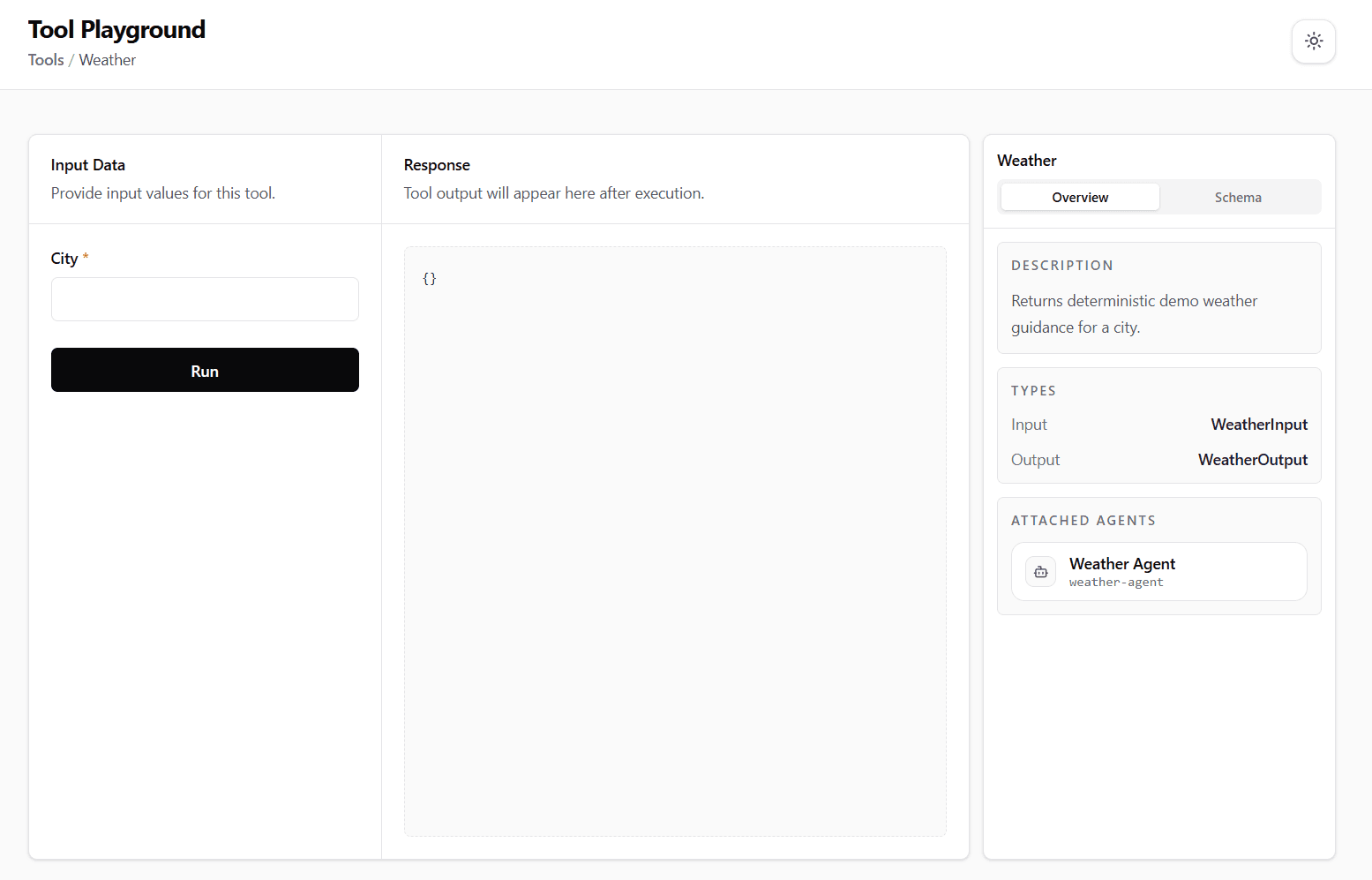
Confirm the registered name, description, input/output types, and attached agents. A standalone tool can have no attached agents.
The screenshot shows a sample tool contract. Click it to inspect the layout at a larger size.
Run with known input
For text_stats, enter Hello Runiq in the text field. The equivalent input is:
Expected output:
This direct calculation needs no model call or API key. Other tools may need credentials for the services they invoke.
Check invalid input
Try whitespace-only text. The sample tool rejects it; the invoker reports an execution failure instead of returning counts.
If the call fails unexpectedly, check the input contract, registered dependencies, and server logs. Do not confuse a successful direct tool run with a successful agent integration.
Test through the agent
After attaching the tool to Support Agent and configuring its provider, ask:
Inspect whether the agent requested text_stats, passed the intended text, and used the returned counts. The model's tool selection can vary; inspect the call rather than relying only on the wording of the answer.
Distinguish the failure location
| Observation | Check next |
|---|---|
| Tool missing from Studio | Host registration and metadata validation |
| Direct invocation fails | Input, dependencies, implementation, server logs |
| Direct invocation works, agent does not call it | Attachment, instructions, provider/model tool support |
| Tool returns correct data, answer is wrong | Agent instructions and response synthesis |